Live demo
Try it before you host it
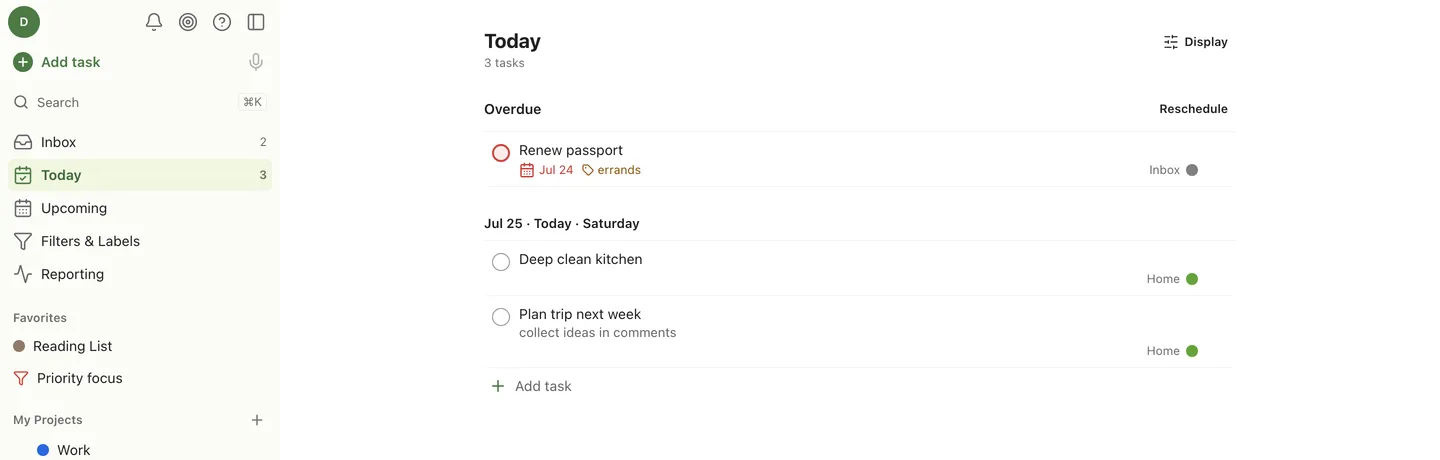
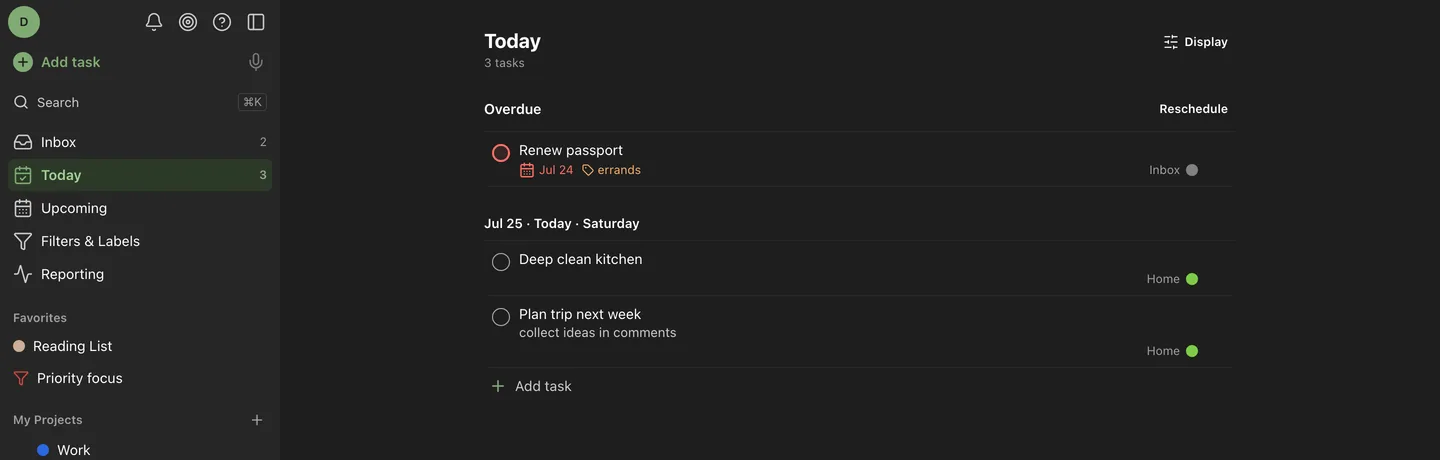
A real OpenTask instance, pre-loaded with sample projects and tasks. No signup, no email, no cookie banner. One button and you are in.
Open the demo →Log in with the button on the sign-in screen, or use demo@opentask.local / opentask-demo.
How the demo works
- Nothing you do is saved
- The instance wipes its database and re-seeds every 30 minutes. A banner in the app counts down to the next reset. Do not put anything real in it.
- Everyone shares one instance
- It is a single container, not a sandbox per visitor, so you may see edits someone else made a few minutes ago. That is the demo working, not breaking.
- Some things are switched off
- Backups, the Todoist importer, file attachments, API tokens, push and webhook channels, and account changes are all refused by the server. They are the parts that would let a stranger reach out of the box or lock you out.
- Everything else is the real thing
- Same code, same database engine, same API. Quick Add, recurrence, filters, search, boards, and productivity all behave exactly as they do on your own instance.
Liked it? It is one command.
Your own instance keeps its data, does not reset, and has every feature the demo switches off.
docker run -d --name opentask -p 7968:7968 -v ./data:/data ghcr.io/pranav-karra-3301/opentaskWant a disposable instance of your own? Any OpenTask container started with OPENTASK_DEMO_MODE=true behaves exactly like this one. See the install guide.