The task manager you actually own
OpenTask speaks the Todoist workflow you already know: the Quick Add grammar, the filter language, the keyboard map. Without the cloud, the subscription, or the second user you never wanted.
docker run -d --name opentask -p 7968:7968 -v ./data:/data ghcr.io/pranav-karra-3301/opentask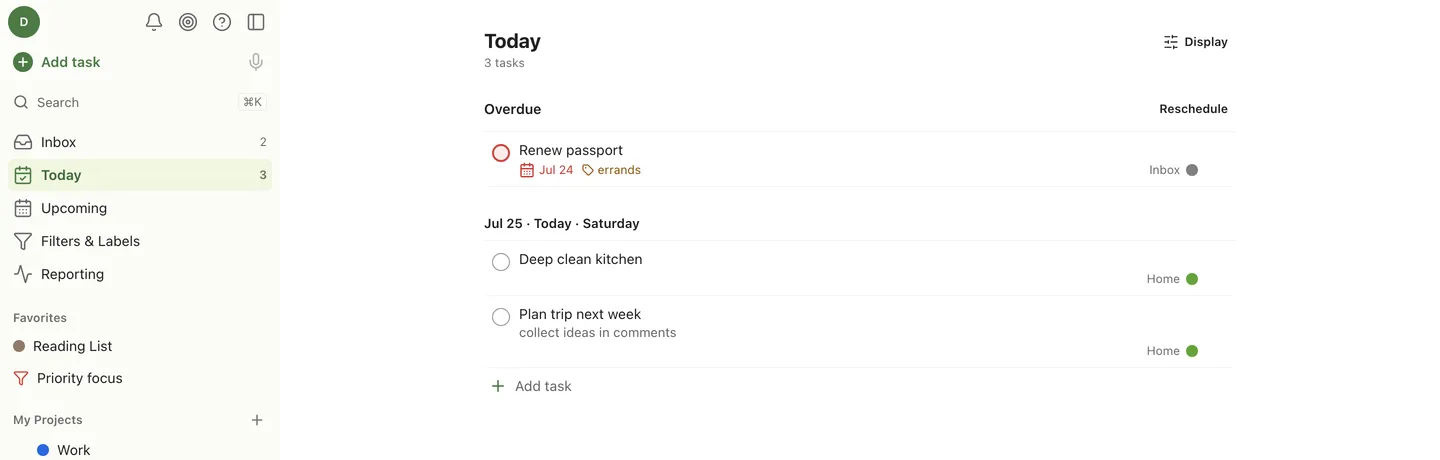
Capture
Type it the way you say it
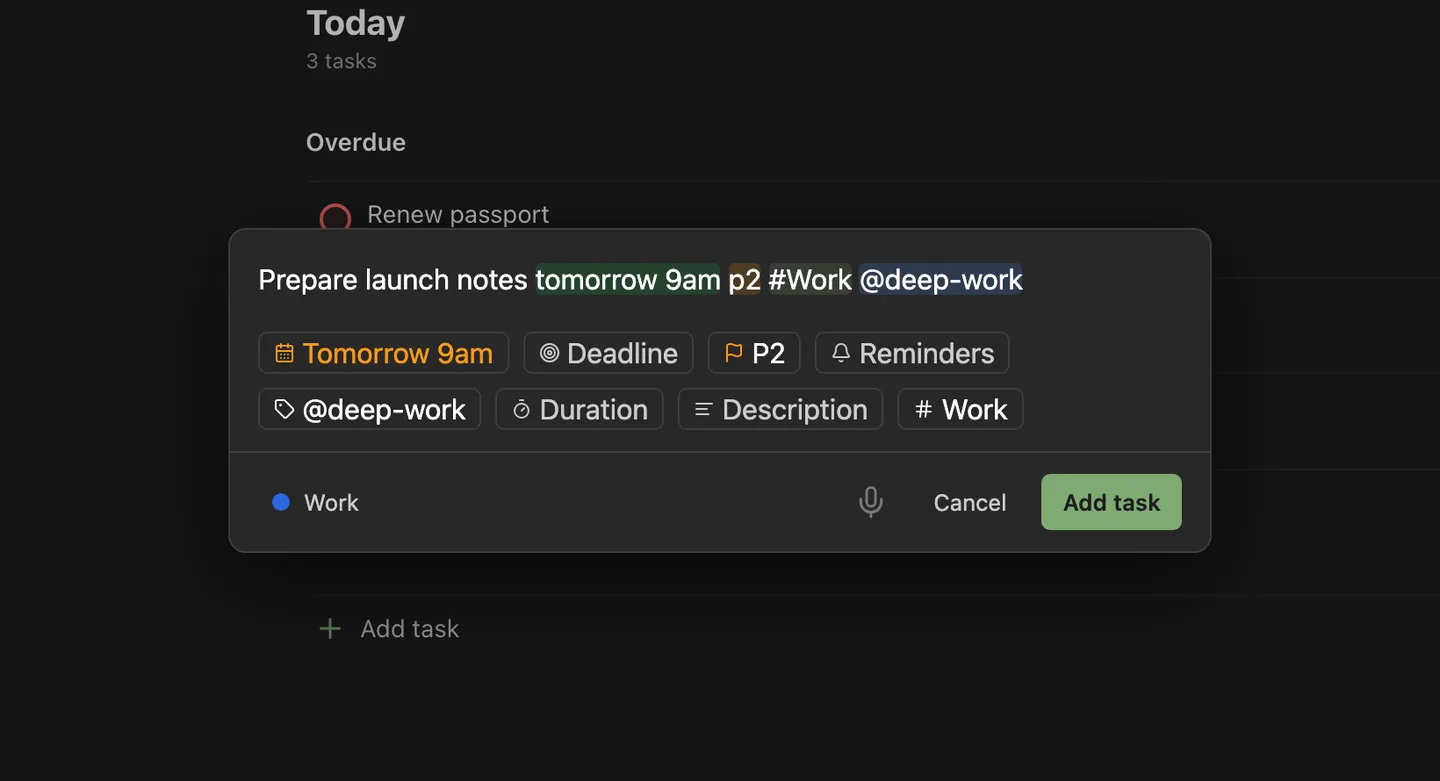
The full Todoist Quick Add grammar: natural-language dates like “tom 4pm” or “mid january”, #project, /section, @label, p1 to p4, {deadlines}, !reminders, “for 45min” durations, and // descriptions. Tokens highlight as you type and land as structured fields.
Get started →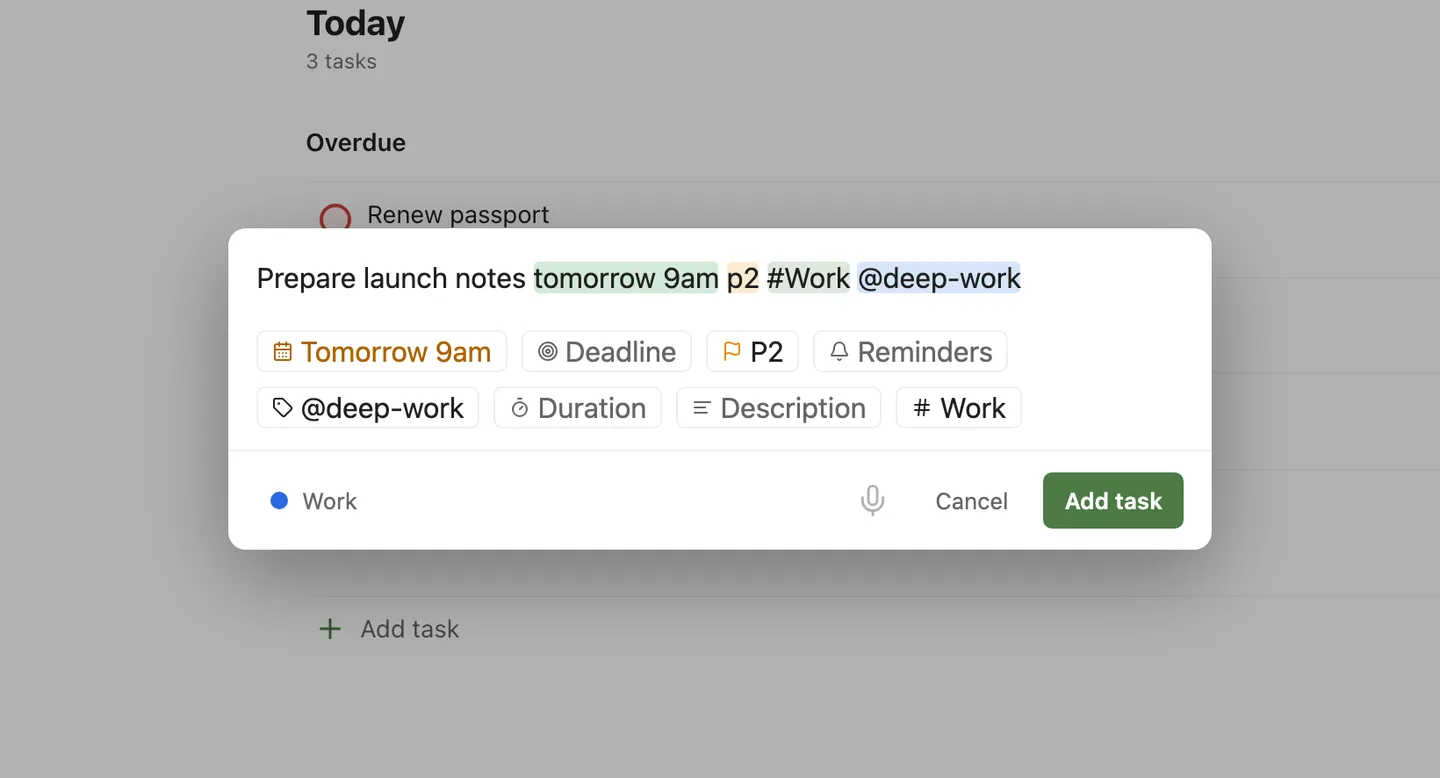
Organize
Projects, sections, labels, filters
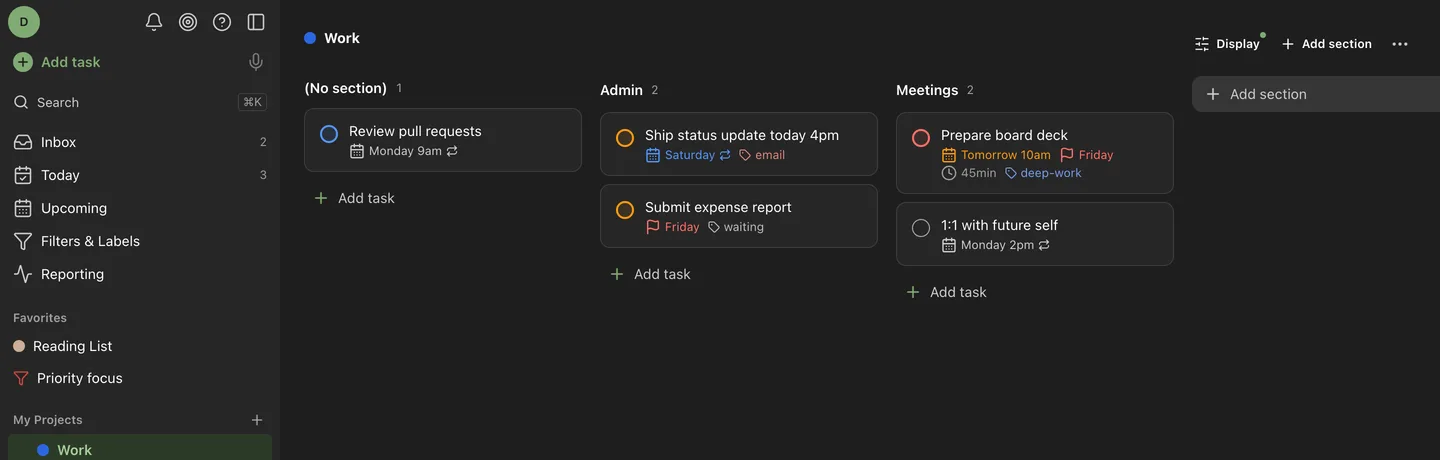
Nested projects with sections and a 20-colour palette. The Todoist filter language is here in full: & | ! ( ), date and deadline operators, @label wildcards, ##Project with descendants, search:, subtask. Every view can be a list or a kanban board.
What it does and does not do →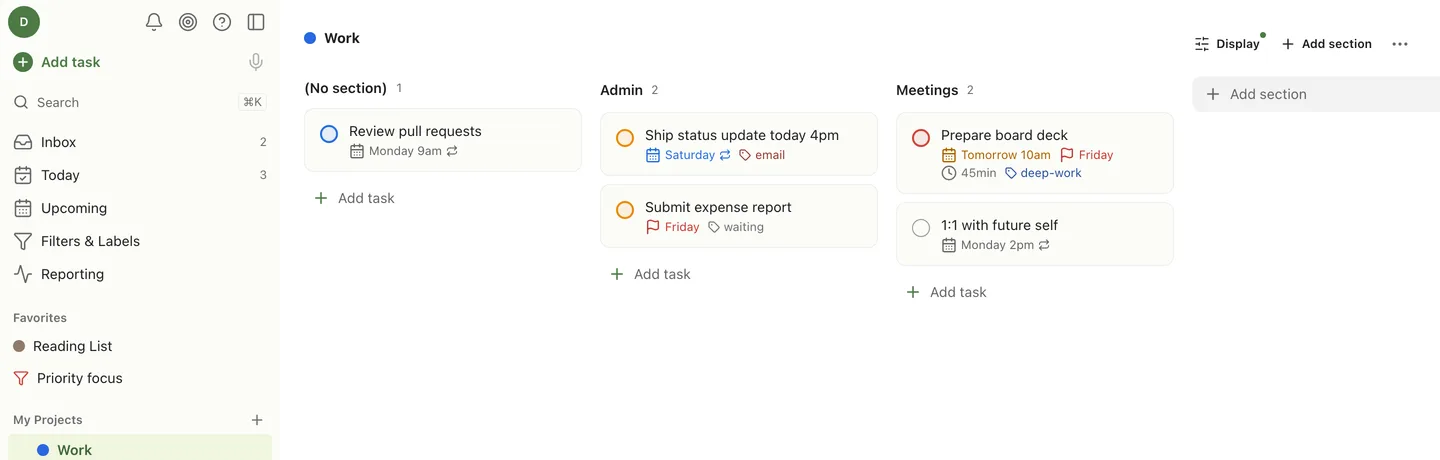
Plan
Today, Upcoming, and a keyboard for everything
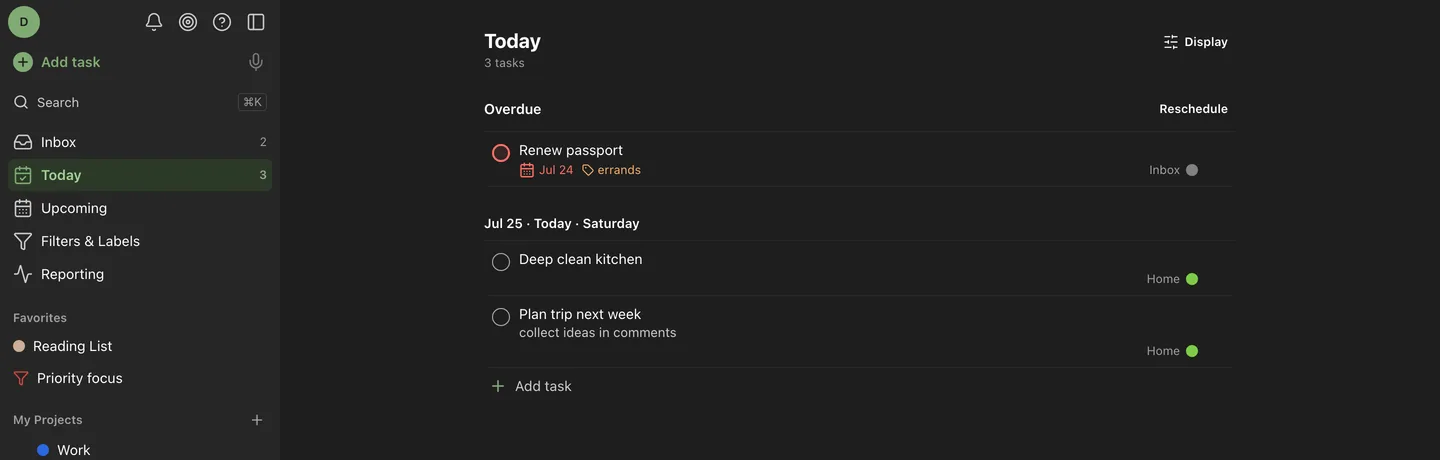
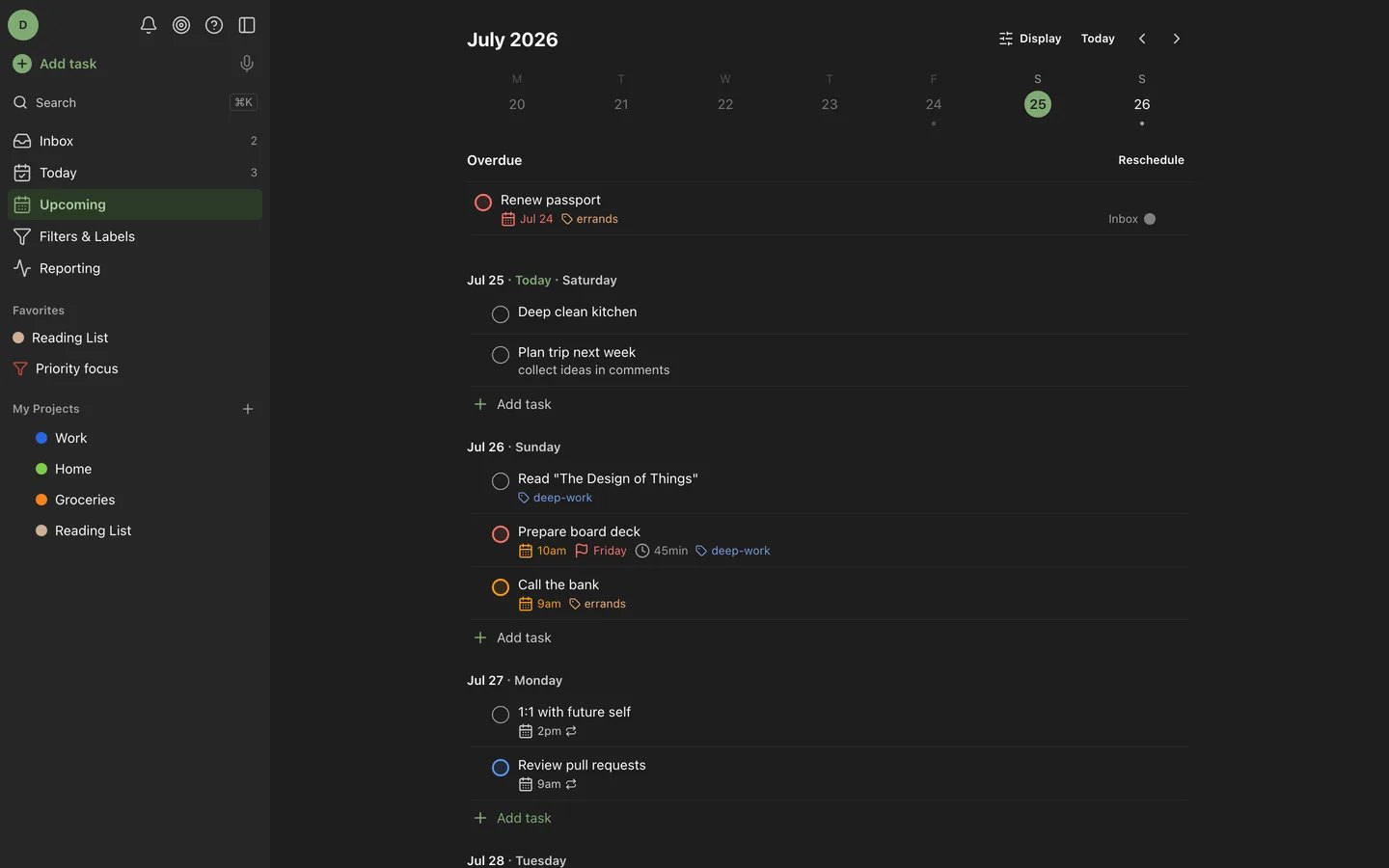
Overdue rolls up with one-tap reschedule. Upcoming is a week strip you can drag tasks between. ⌘K opens a fuzzy palette over every view, project, and action, and every destructive edit has a 10-second undo.
Also: a CLI →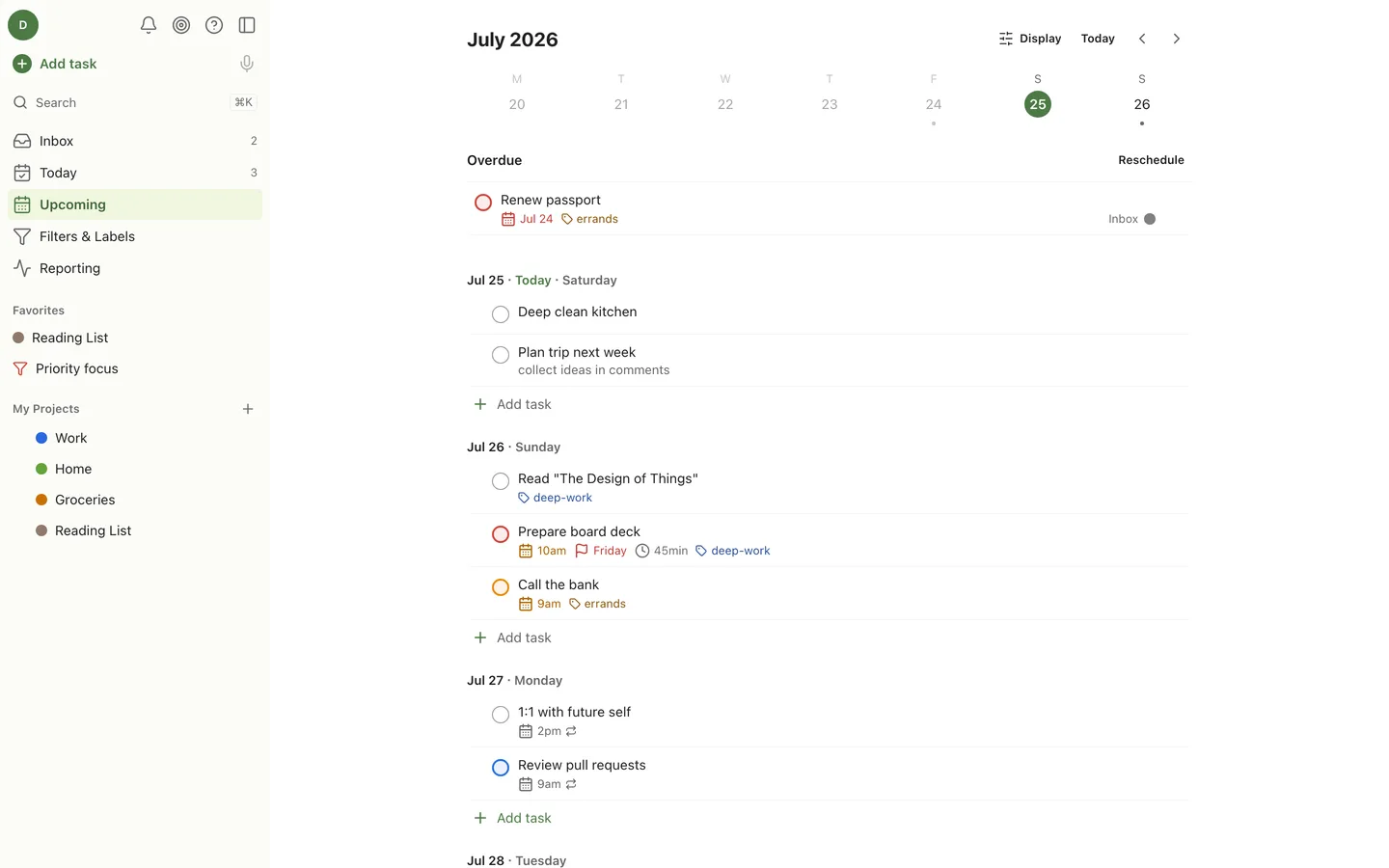
Measure
Goals, streaks, and unlimited history
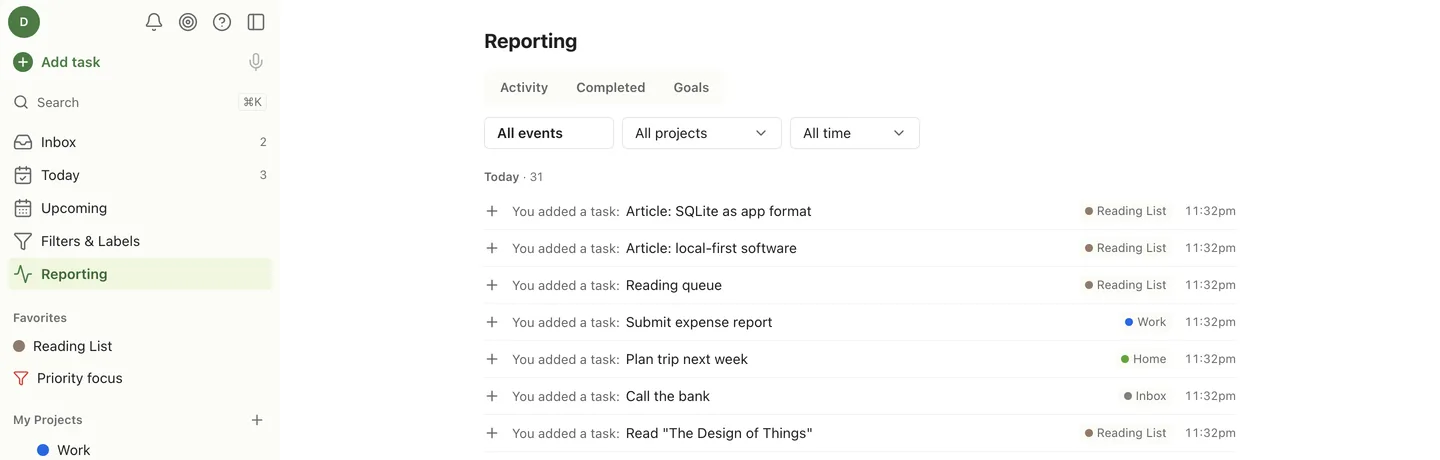
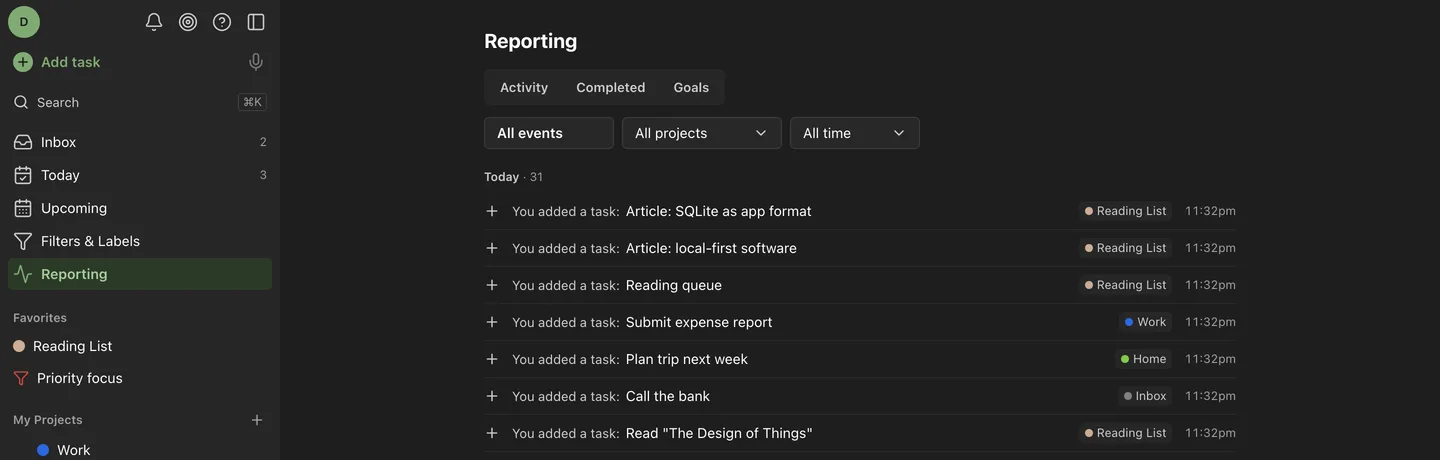
Daily and weekly goals, karma, vacation mode, and an activity feed that never truncates, because the database is yours and nobody is upselling you a history add-on.
Own your data
Easy to move in. Easy to leave.
Import from Todoist with a backup ZIP or a live API token. Export a full JSON snapshot or per-project CSV whenever you like. Nightly VACUUM INTO snapshots with retention and one-click restore. It is one SQLite file, so the exit is always open, which is the only reason to trust the entrance.
Reminders that arrive
Web Push on desktop and mobile (iOS 16.4+ after Add to Home Screen), plus ntfy, Gotify, and webhook channels.
A real REST API
Every route zod-typed into OpenAPI, cursor pagination, SSE live updates, and scoped ot_… tokens.
Calendar feed
A read-only tokenized webcal:// feed your phone’s calendar can subscribe to.
Run it in about a minute
One container, one /data volume, port 7968. Then open it and create your account. Registration locks itself after the first user.
docker run -d --name opentask -p 7968:7968 -v ./data:/data ghcr.io/pranav-karra-3301/opentask